THE QUICK ANSWER
A supplied PR machine can still leave your workforce undercovered. Compare population with the resurrection room’s allowance, then read the active campaign and the next upgrade options. Firsthand replies describe both coverage limits and restricted access during campaigns; the official PC fixes also distinguish duration faults from Panic enforcement.
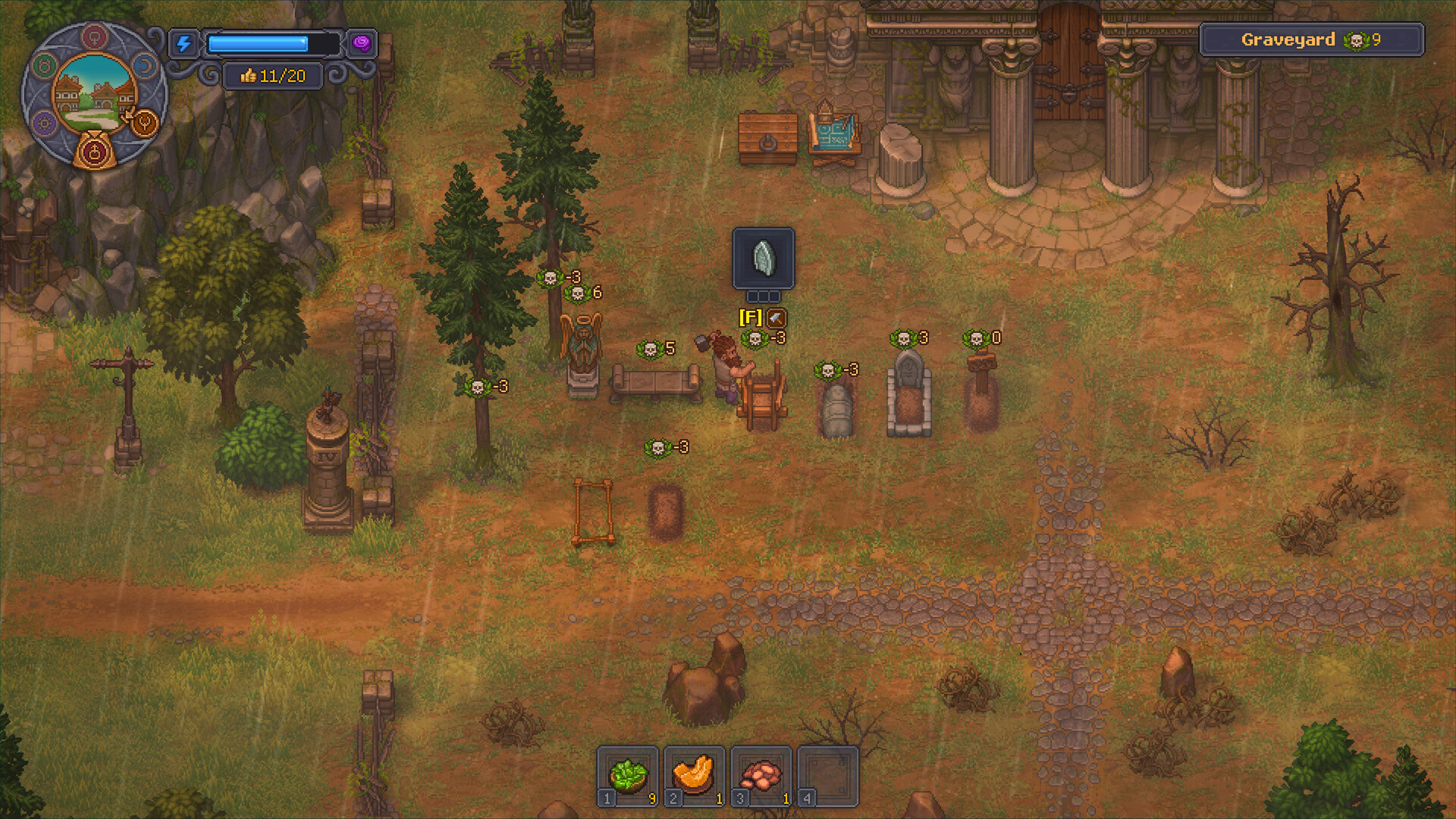
At a glance
- Access to the PR machine and its campaign menu.
- Your current zombie count and displayed allowance.
- The campaign requirements and upgrade options visible in your installed build.
How the system fits together
- 01Owned population
- 02Displayed allowance
- 03Campaign / upgrade
- 04Active protection
- Read population and allowance together
- Players point to the resurrection area for the owned-zombie total and current allowance. Record both labels before interpreting a Panic icon. Our recommendation is to compare those values after increasing your workforce, so you can distinguish a population change from an apparently failed campaign.
- Inspect the available campaign
- Read the selected option’s coverage and requirements instead of assuming every PR activation supports your whole workforce. Community explanations connect insufficient coverage with a remaining debuff. If the allowance is below your population, plan for an option that fits the displayed need rather than repeatedly supplying the same choice.
- Prepare upgrades before activation
- Players report losing access to the upgrade interface while a campaign runs. Before starting the next available campaign, inspect the upgrade prompt and bring its requested materials. Newspaper use is associated with upgraded options in the cited reports; a stack in inventory does not prove the current option accepts it.
- Check protection after the handoff
- Inspect the resulting allowance, active campaign and Panic state. Keep those observations separate from the animation on the machine. Suggested record: chosen option, supplied items, population, resulting allowance and any blocking message. Recheck this record when expanding the workforce instead of treating the previous activation as permanent protection.
Workbench questions
Do I need to work on the machine after supplying it?
Players describe an active campaign operating on its own. Inspect the campaign state and allowance rather than treating an absent work prompt as proof of failure.
Can I assume the announced PR rework is live?
No. The official announcement places it among future changes. Use the options and requirements present in your installed build.
Prepare the next campaign while its menu is available
The newspaper discussion describes a player producing papers before discovering that the running campaign prevented another interaction. Use that experience to plan the next visit: inspect upgrade materials and campaign supplies together before activation. Our recommendation is to keep those two stocks separate in your notes, because a planned upgrade can compete with the supplies reserved for protection. After activation, compare the resulting allowance with the current workforce instead of interpreting the machine animation as the verdict. If Panic remains, capture the population and coverage values. If coverage expires unexpectedly, include the campaign state and installed build so the report addresses duration rather than insufficient allowance.
What the official patches establish
PC 1.007 lists a PR machine fix. PC 1.008 separately fixes shortened machine duration and Panic failing to trigger above the zombie cap. A newly visible penalty may therefore reflect corrected enforcement. The official future-plans announcement describes a Panic Reduction rework and hypno-device recharging as planned features; it does not establish that either is already available in your build.
Common blockers
| What you see | Check | Next action |
|---|---|---|
| Panic remains after supplying the machine | Owned population and resulting allowance | Compare coverage with the workforce before repeating the same campaign. |
| Newspapers are not accepted | Machine upgrade and selected campaign | Read the current option’s requirements before producing more papers. |
| Protection appears to end unexpectedly | Installed platform build and campaign display | Compare the duration fix with your platform’s patch information and capture the active-state evidence. |
Keep the work moving
Official game references
- Graveyard Keeper 2 — official developer announcements ↗Official patch notes and developer updates
- Graveyard Keeper 2 — official game overview ↗Official game page
Version & evidence
Reviewed against PC 1.008 patch contextThe operating advice combines player reports with official PC patch notes. Community replies disagree about some material requirements and expiry behavior, so this page uses your installed interface for quantities and remaining protection. It does not provide a universal capacity formula.
Source-reviewed guide; player routes are identified below. Not an in-game test.