THE QUICK ANSWER
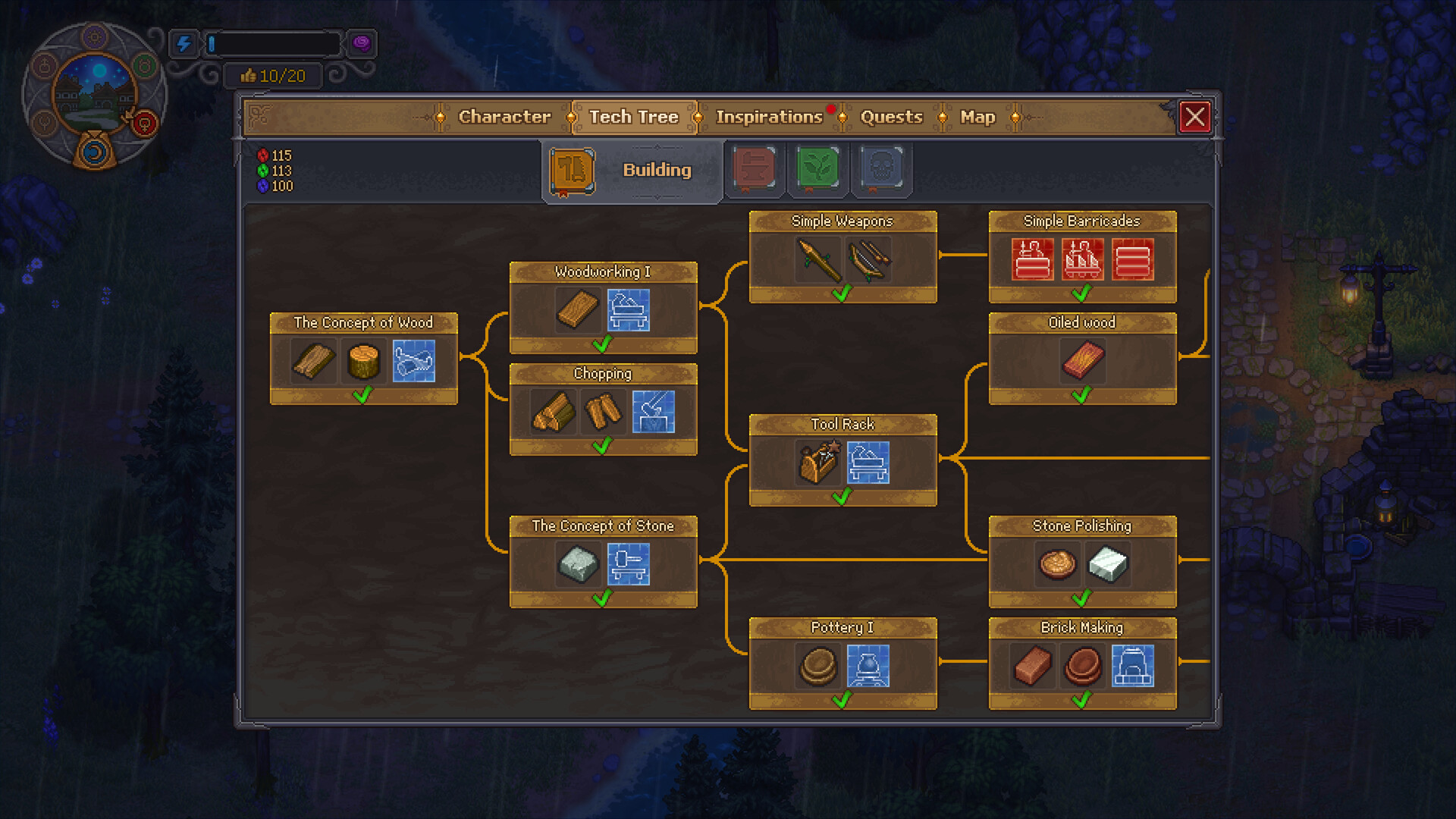
Diagnose research by the action and counter, not by the word “desk.” Player replies distinguish the tower’s item-research station from the writing workbench, and the PS5 paper report distinguishes Science from colored technology points. Identify both before using more paper; the PC patch history also contains fixes for failed research awards.
At a glance
- The story access needed for the alchemy area in your save.
- The actual function of the workstation: studying items or writing.
- The Science counter and your installed version.
How the system fits together
- 01Station function
- 02Story access
- 03Science counter
- 04Version / report
- Identify the function you need
- For researching items, players identify the prebuilt table in the alchemy tower. The cited thread distinguishes it from the basement writing workbench. Look for the action you need in the station menu instead of using the words desk, study and research interchangeably.
- Follow the relevant story access
- The discussion points through Larry’s basement access and the Plague Doctor to the alchemy tower. Check the active quest and its prompt before searching every build menu. A technology icon alone does not prove that the correct room is accessible.
- Watch the Science counter
- A PS5 discussion distinguishes Science gained from paper from colored technology points earned by studying other items. Suggested test: note Science before one operation and compare afterward. Watching only the red, green and blue counters can obscure what you are actually testing.
- Stop after a reproducible failure
- If the expected counter does not change, record the item, station, platform and version. Avoid consuming a whole paper stack to repeat the same observation. Compare with the relevant platform patch information, then capture the before-and-after state for a targeted report.
Workbench questions
Are Science and blue tech points the same?
The cited player explanation distinguishes Science from colored research points. Watch the counter named by the operation.
Can a PS5 report prove a current PC bug?
No. Keep its platform context and test the installed build you are using.
Write down what the operation should change
Our suggested comparison begins with the station action: studying an item, gaining Science from paper or writing a book or prayer. Record the input and the counter named by that action, then compare the same counter afterward. This gives a paper-consumption report a clear meaning without confusing it with unchanged colored technology points. The PS5 poster explicitly says Science failed to increase after clarification; that is a platform-specific symptom worth preserving, not a reason to dismiss every report as a misunderstood counter. Keep an installed-build record with the observation so a PC fix is not silently assumed to describe a console save.
Common blockers
| What you see | Check | Next action |
|---|---|---|
| No place to build the table | Research versus writing function | Read the corrected replies and inspect the appropriate room. |
| Paper consumed, colored points unchanged | Science rather than colored counters | Record the Science value before and after one operation. |
| Science also does not increase | Installed platform version | Capture the failure and compare with that platform’s patch log. |
Keep the work moving
Official game references
- Graveyard Keeper 2 — official developer announcements ↗Official patch notes and developer updates
- Graveyard Keeper 2 — official game overview ↗Official game page
Version & evidence
Reviewed against PC 1.008 patch contextThe location discussion uses inconsistent English labels, so this guide distinguishes stations by their function. A separate PS5 report describes paper consumed without Science; that report does not establish the same bug on current PC.
Source-reviewed guide; player routes are identified below. Not an in-game test.