FIRST CHECK
Troubleshoot at the boundary where movement stops. Material left in the source buffer, ingredients waiting at a station and products stranded after crafting are three distinct symptoms. Follow one known item far enough to choose between them, then inspect that boundary before altering power, staffing or the warehouse route.
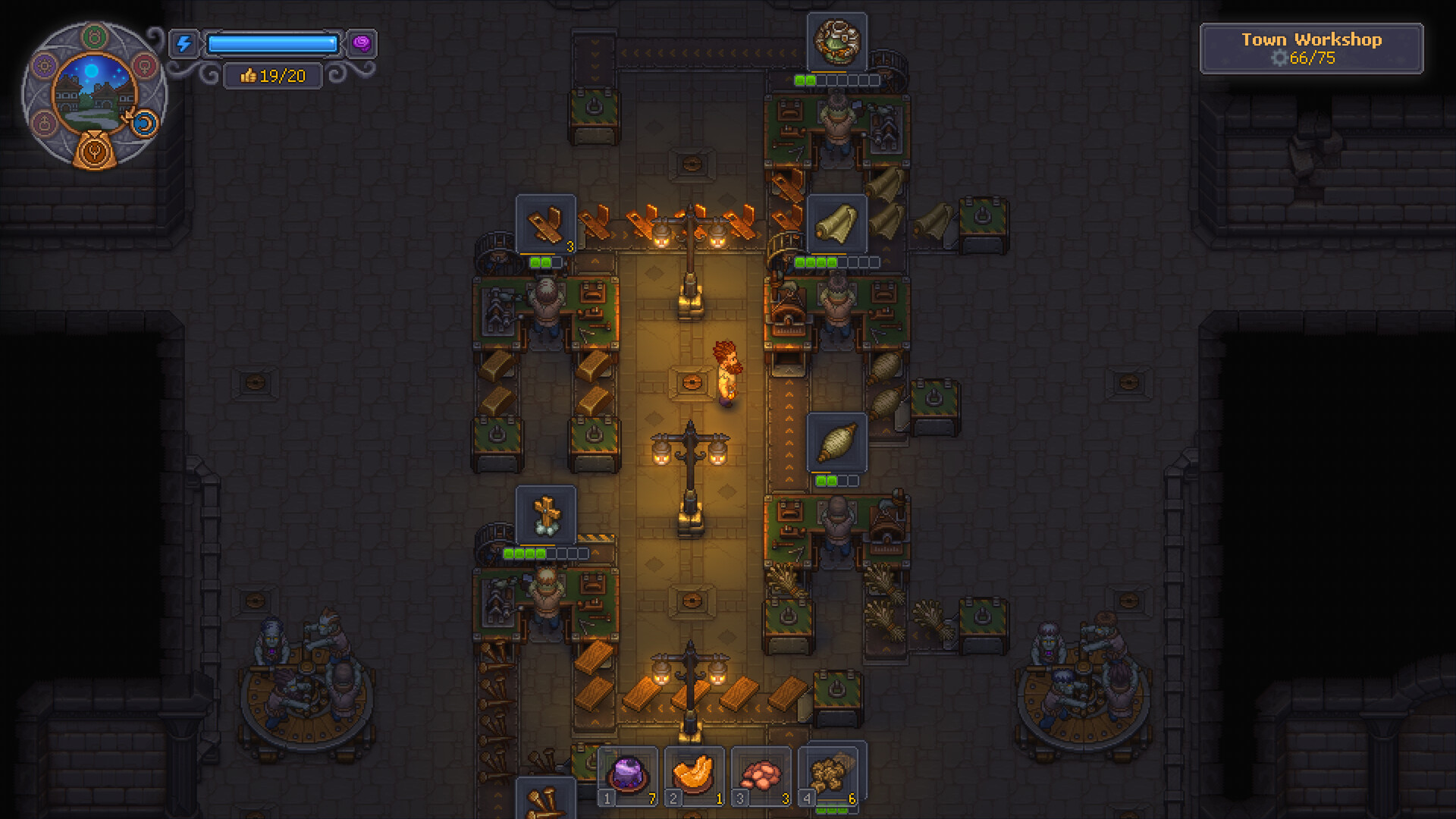
Start with the symptom
Some ingredients arrive, others do not
- Inspect
- Each input route
- Next move
- Test each ingredient from its own buffer.
Machine idle with stock present
- Inspect
- Queue, worker and remaining inputs
- Next move
- Read the station state before expanding power.
Product made, order unchanged
- Inspect
- Supply collection and accepted order
- Next move
- Follow the crate through the porter handoffs and board.
What you need
- A small known batch of the correct ingredient.
- The selected recipe and required inputs visible.
- The current power display and worker assignments.
Inspect the failed checkpoint
- 01Last moving item
- 02Next connection
- 03Station state
- 04Output handoff
1Test the source on its own
Choose one ingredient and inspect its buffer. Write down the stock count before observing movement. If it never leaves, check the source selection and outgoing connection. Do not inspect the warehouse yet: the item has not reached production.
2Inspect the next connection
Look at belt direction and the machine port it reaches. Follow the actual ingredient rather than assuming every visible belt belongs to this line. Suggested method: sketch the path on paper and mark the last point with confirmed movement.
3Read the station state
Check whether every required ingredient is arriving, whether the recipe is queued and whether its worker is assigned. Player reports emphasize that incoming materials alone do not queue production. Compare the power display before and after changes rather than relying on old gear-per-zombie figures.
4Inspect the output separately
If the product is made, inspect the destination buffer and collection stations. Player setups describe successive porter handoffs for supplies. A crate stuck after crafting is a logistics problem to investigate, not evidence that the input recipe failed.
Use the stock movement as the repair signal
Our recommended check uses a known input batch and a visible destination. Compare the source, station and output stock before touching anything. After changing one connection or setting, watch which of those quantities moves; the result tells you whether the change reached the blocked stage. A belt animation alone cannot establish that the complete recipe finished. Likewise, an empty input chest may mean its contents reached an intermediate buffer rather than the final pickup. Stop the investigation once a product completes the intended handoff, then restore the production queue and check whether the same destination continues receiving it.
Workbench questions
Should I rebuild the whole factory?
First isolate the last working checkpoint. Rebuilding everything removes useful evidence.
Can more workers fix a wrong belt direction?
Check the connection first. Additional staffing does not test whether an item reaches the correct port.
Keep the work moving
Official game references
- Graveyard Keeper 2 — official developer announcements ↗Official patch notes and developer updates
- Graveyard Keeper 2 — official game overview ↗Official game page
Version & evidence
Reviewed against PC 1.008 patch contextPlayer factory setups support the buffer → belt → queued workbench → collection pattern. The diagnostic order below is our editorial method; it is not a claim that every stopped line has the same cause.
Source-reviewed guide; player routes are identified below. Not an in-game test.